






CORE FEATURES
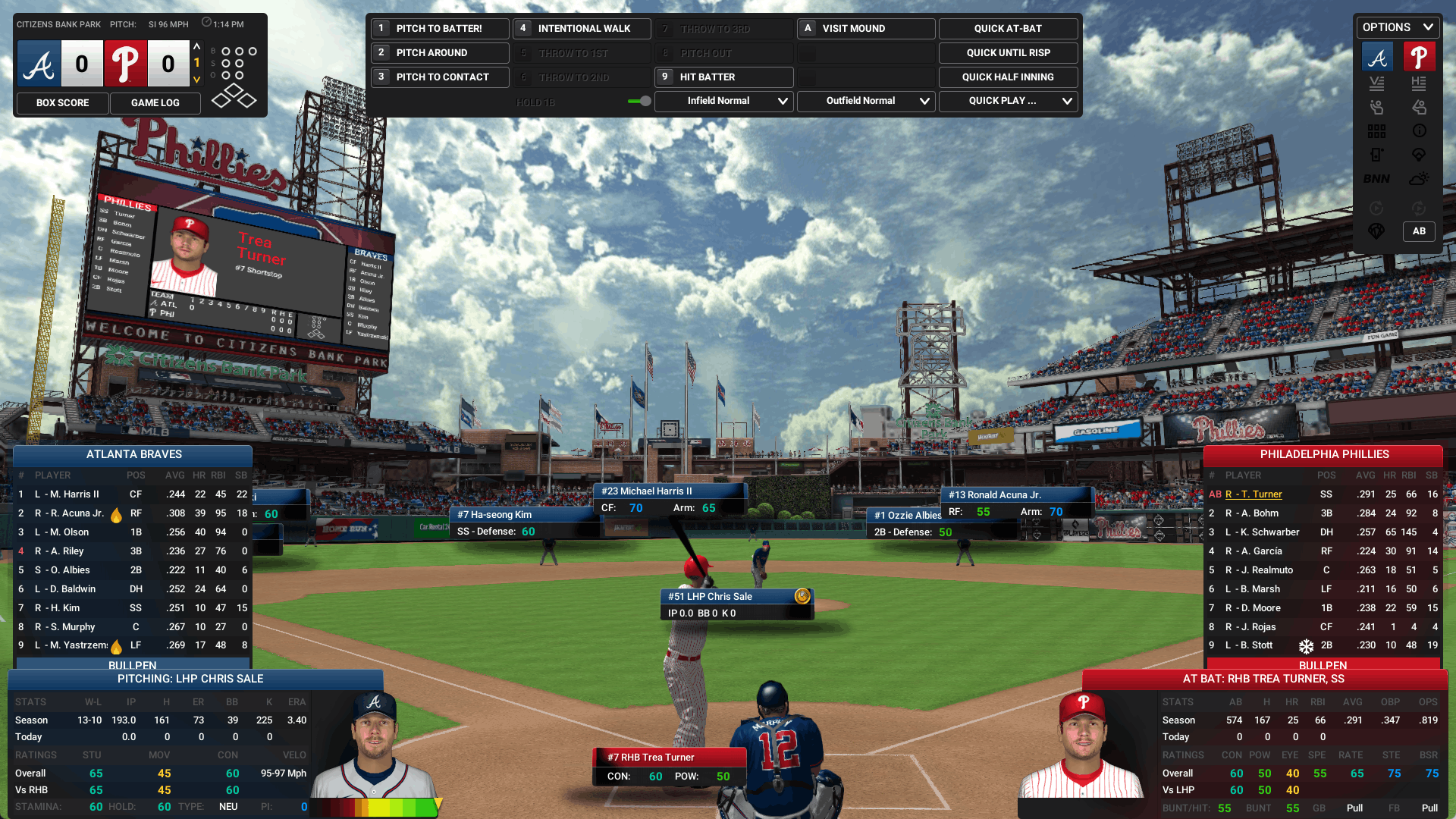
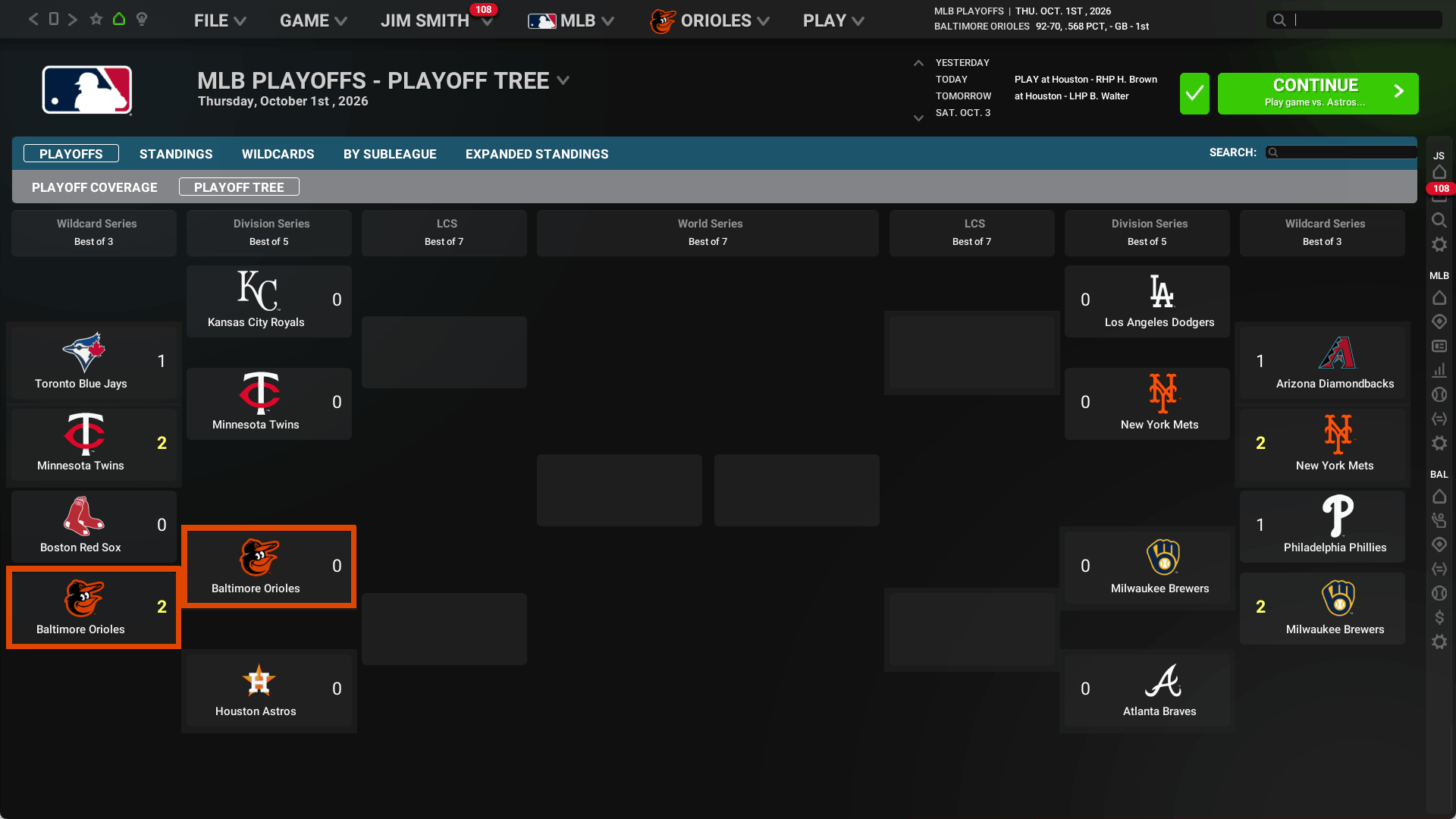
2026 MLB and KBO Opening Day rosters including all the real minor leagues. Fully licensed by MLB, KBO, the MLBPA and Minor League Baseball.
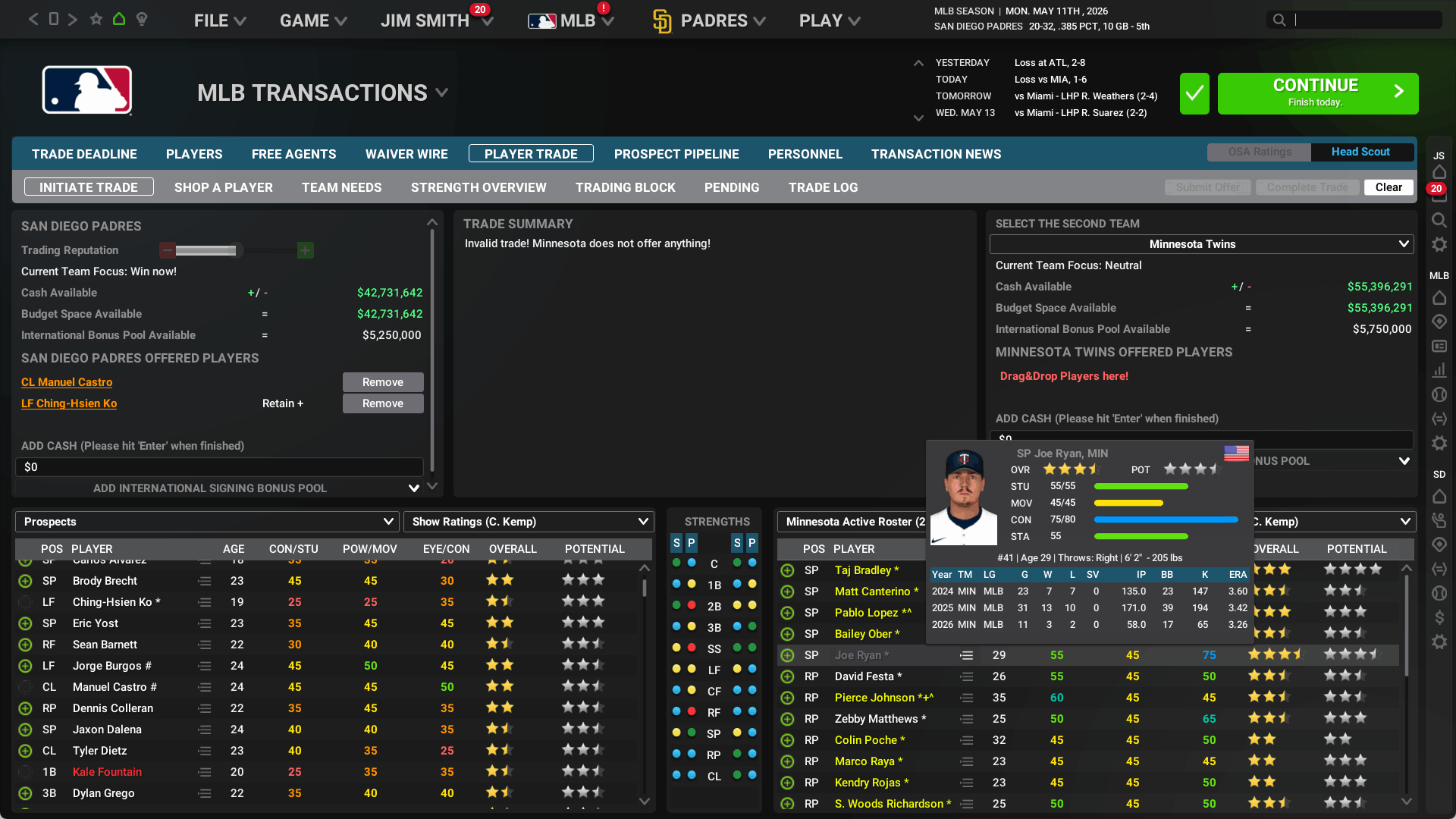
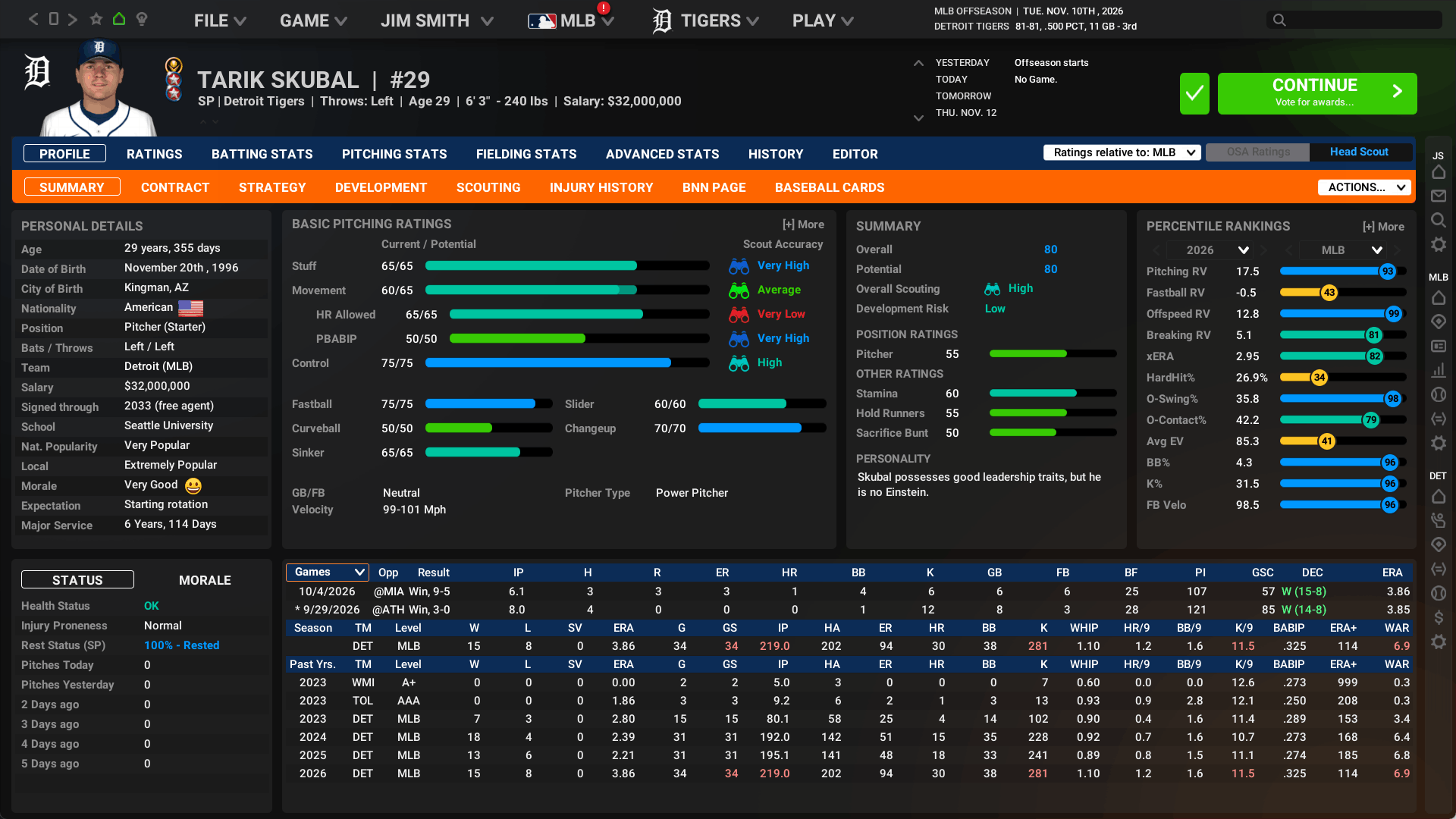
Sign free agents, draft the next superstar, negotiate trades, discover and develop top prospects. Guide your franchise into the infinite future!
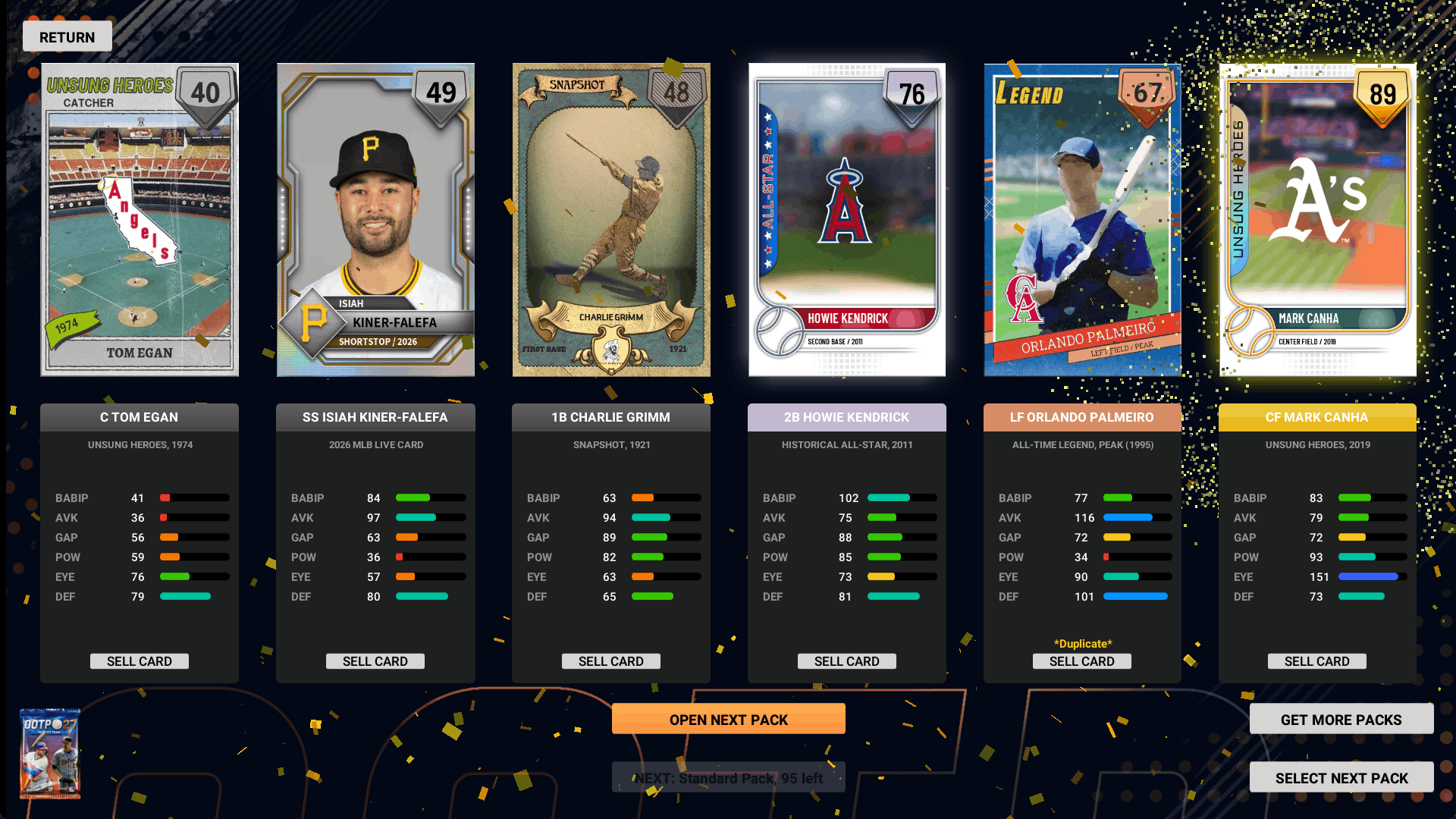
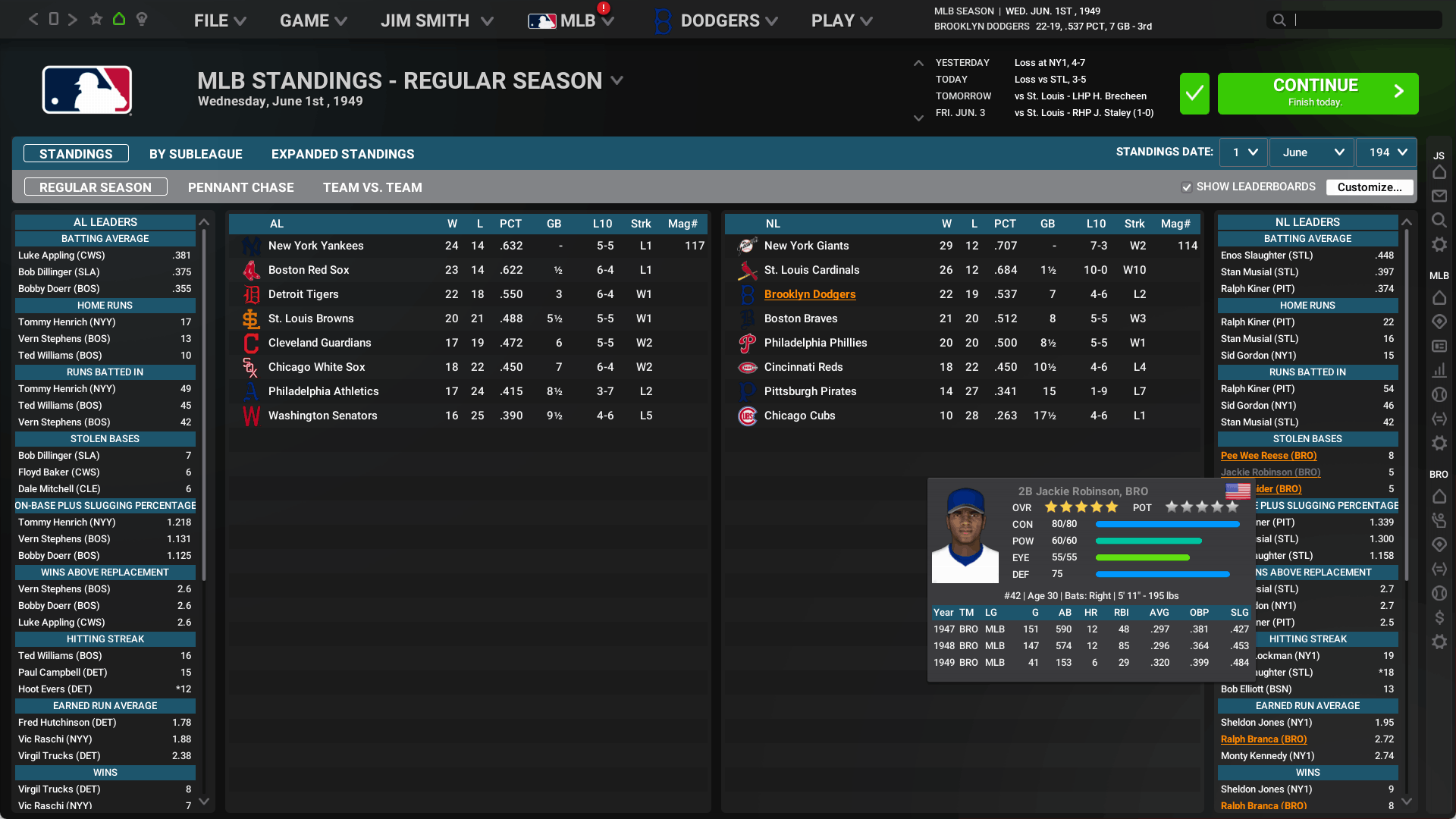
Play through any season in baseball history. Relive the greatest moments from the past, or chart your own history.
The entire history of MLB baseball – from the late 1800s through today – is at your fingertips. Manage any MLB franchise from any point in history – or create your own fictional universe!
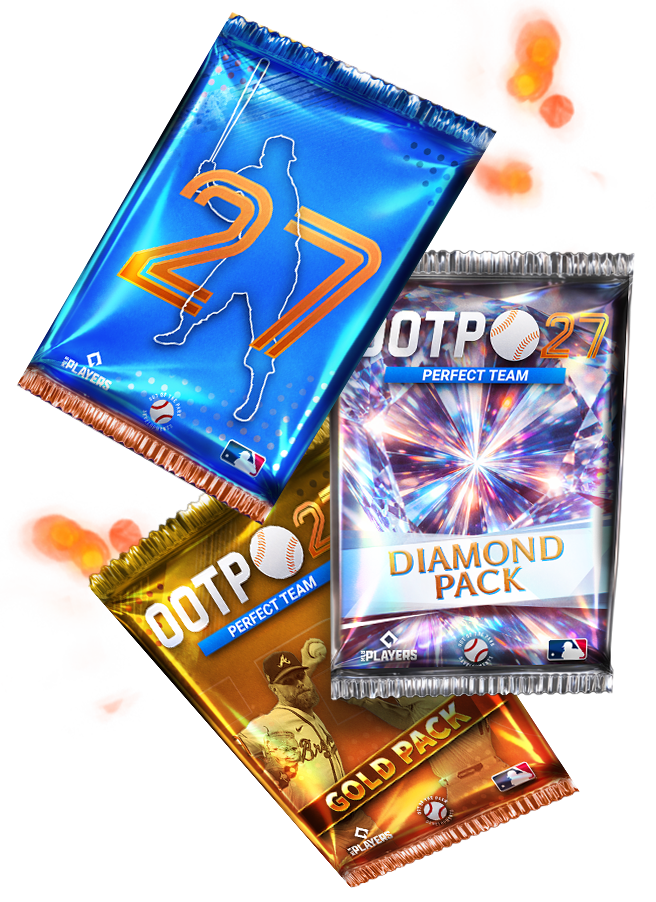
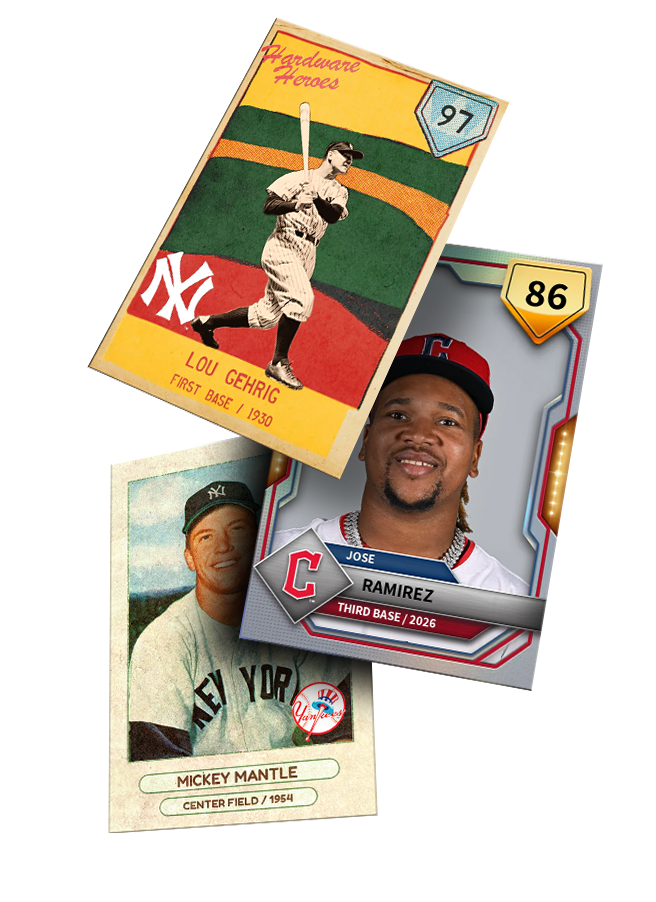
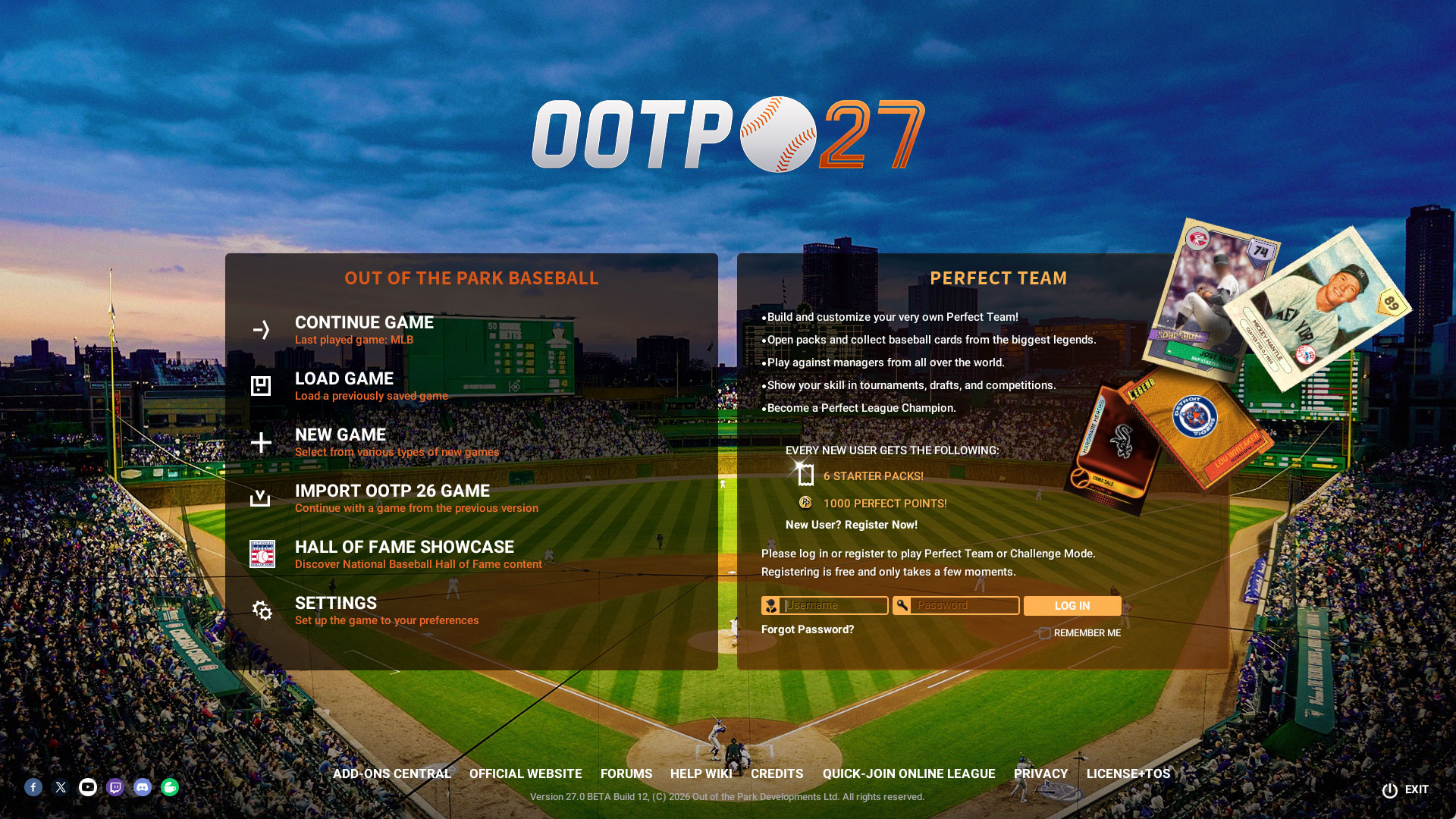
Perfect Team is an incredible free online competitive mode in Out of the Park Baseball. Assemble, manage, and customize your team by collecting baseball cards of he past, present, and future of Major League Baseball.
Define your strategy and tactics – then take on players from around the world in a fun, persistent online mode. Stick skills not required! All you need is your smarts.
HERE ARE THE NEW FEATURES COMING TO OUT OF THE PARK BASEBALL 27
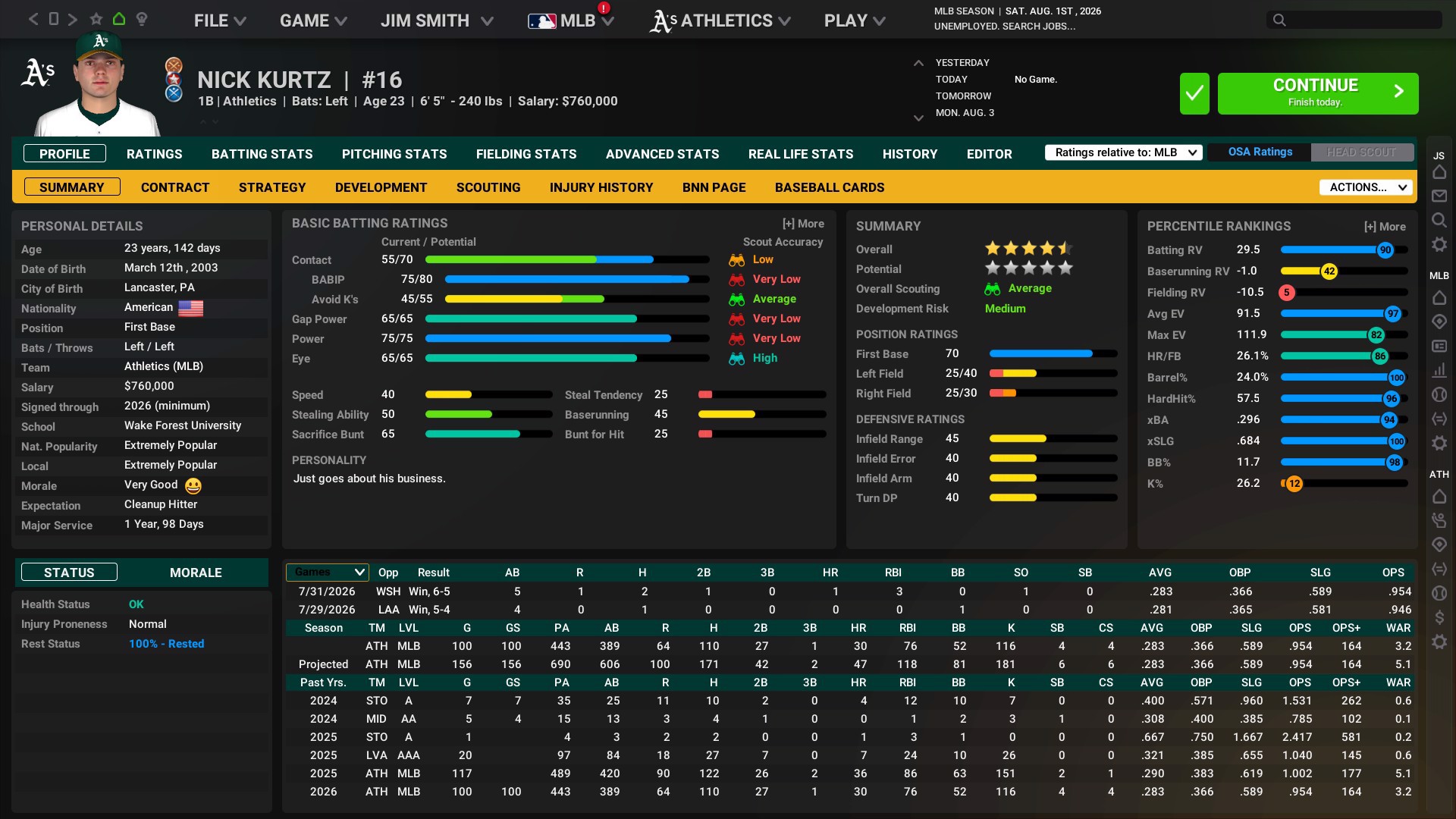
All-new Advanced Stats Tracking changes the game forever!
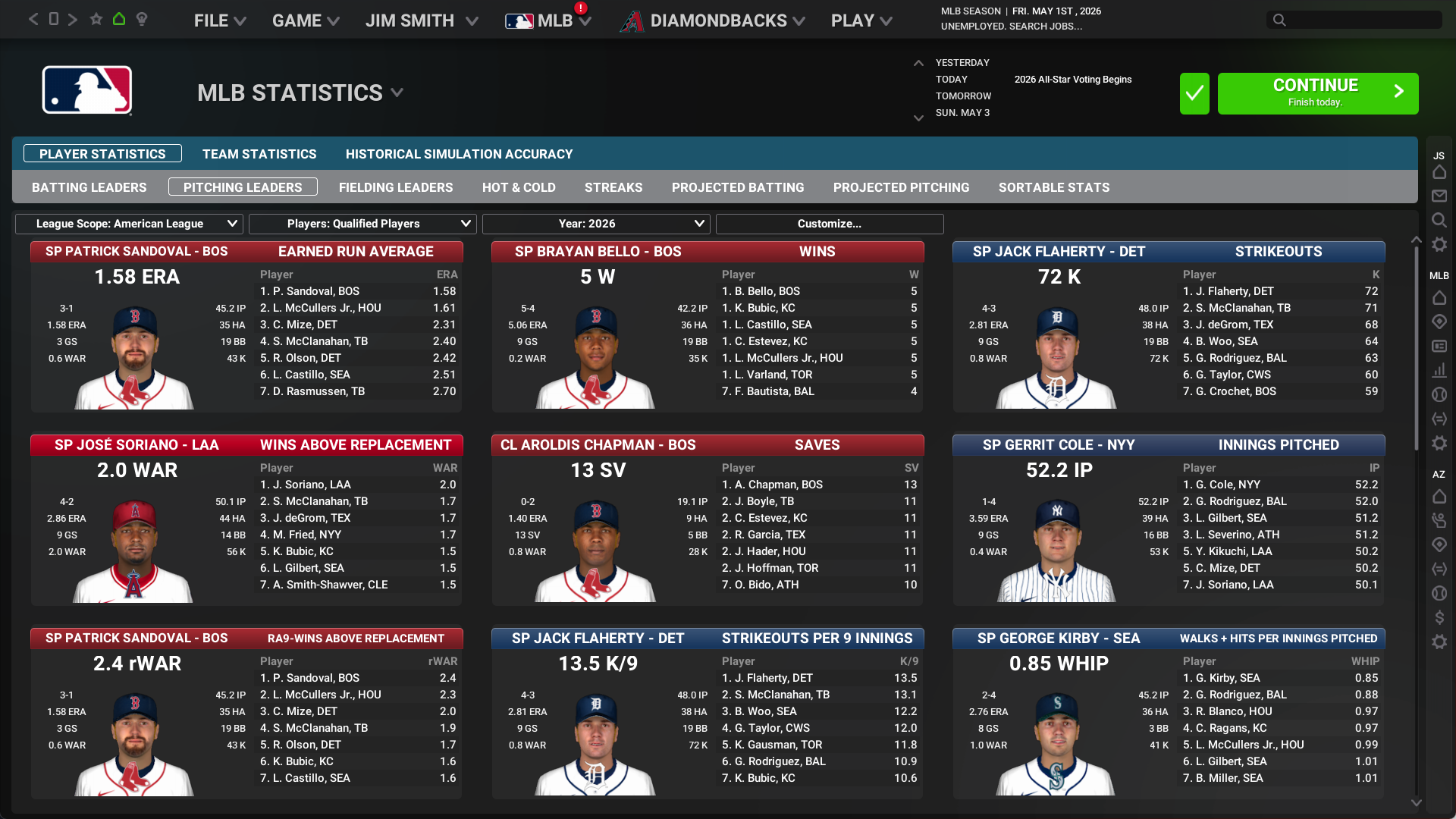
Out of the Park Baseball has always been known as a statistical marvel – and we’ve taken that to entirely new levels this season! The team has incorporated dozens of new statistics. Check out this list – which has just some of the new stats you’ll be poring over all season!! This is a breakthrough for modern fans, who now have all new tools to understand how their teams are performing – and why!
| Exit Velocity | Pull% | xBA | Contact% |
| Launch Angle | Cent% | xSLG | Whiff% |
| Max EV | Oppo% | xwOBA | Chase% |
| LD% | Soft% | xBACON | Zone% |
| GB% | Med% | xSLGCON | Close% |
| FB% | Hard% | xwOBACON | Pitching Run Value |
| IFFB% | Barrel% | O-Swing% | Fastball Run Value |
| HR/FB | HardHit% | Z-Swing% | Offspeed Run Value |
| IFH% | GB/FB | O-Contact% | Breaking Run Value |
| BUH% | Swings | Z-Contact% | AND MORE! |
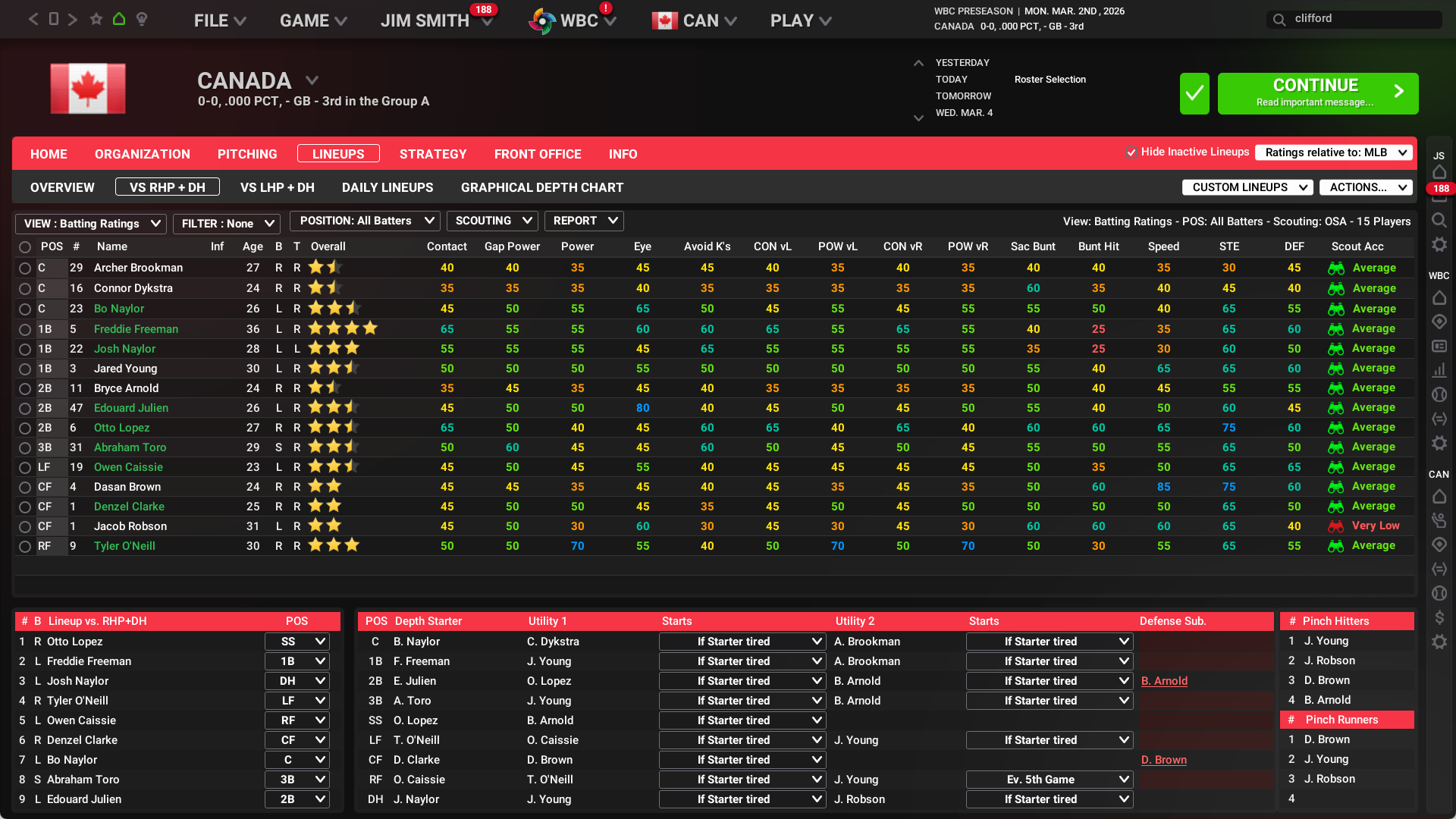
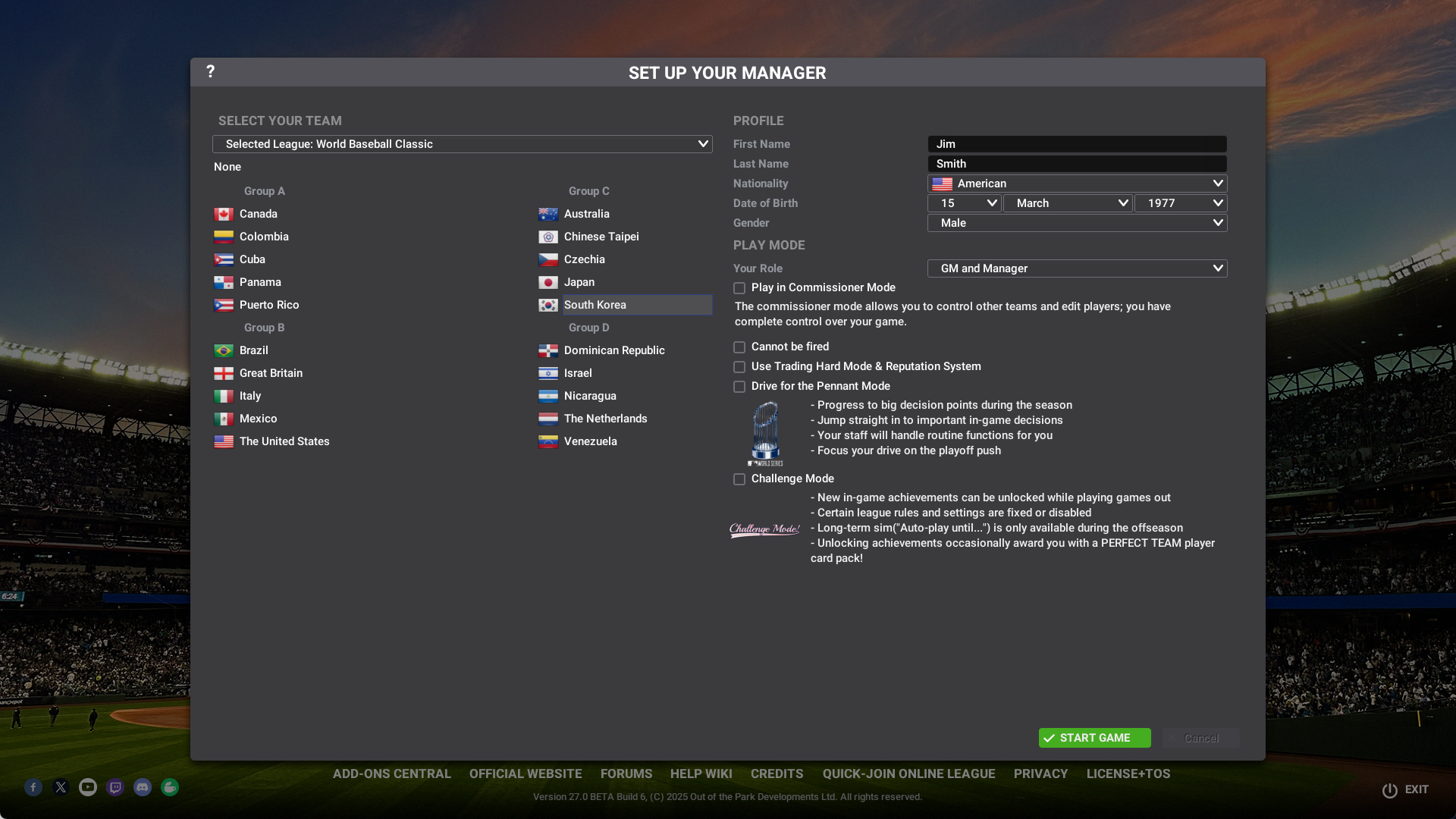
The World Baseball Classic™!
This is the most anticipated World Baseball Classic™ in history, and we are thrilled to deliver the authentic World Baseball Classic™. The real World Baseball Classic™ federations, participants, schedules, and more will be here. This franchise-mode exclusive feature allows everyone to experience the best of international baseball in true OOTP fashion while it’s happening and well beyond!!
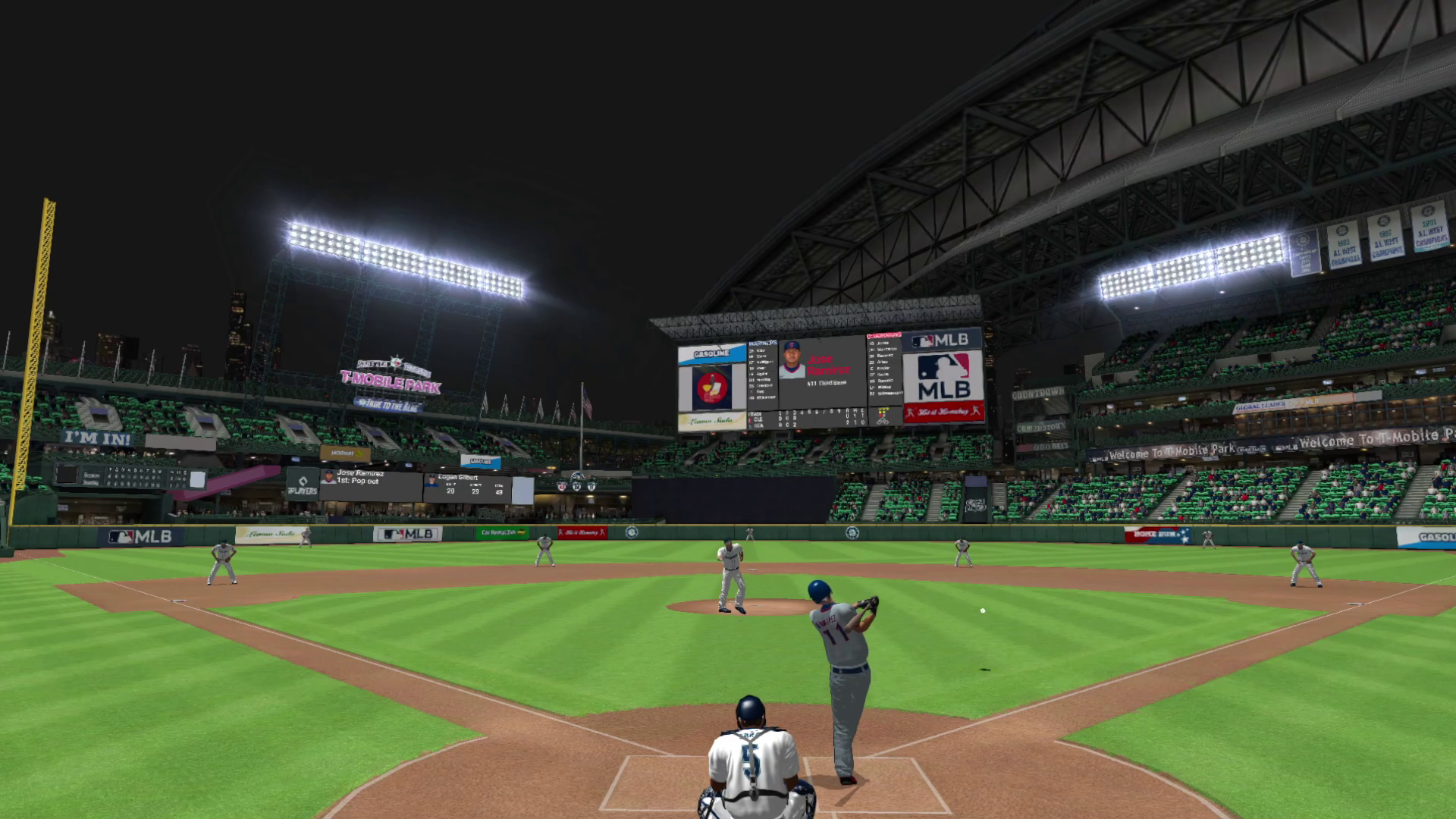
All-new in-game experience raises the bar!
The Out of the Park Baseball team strives to deliver an immersive in-game experience, and this season is loaded with new items. From dynamic weather to updated player models, new animations, and incorporating advanced stats into the action, playing out your games in 3D is the best and most dynamic it’s ever been!
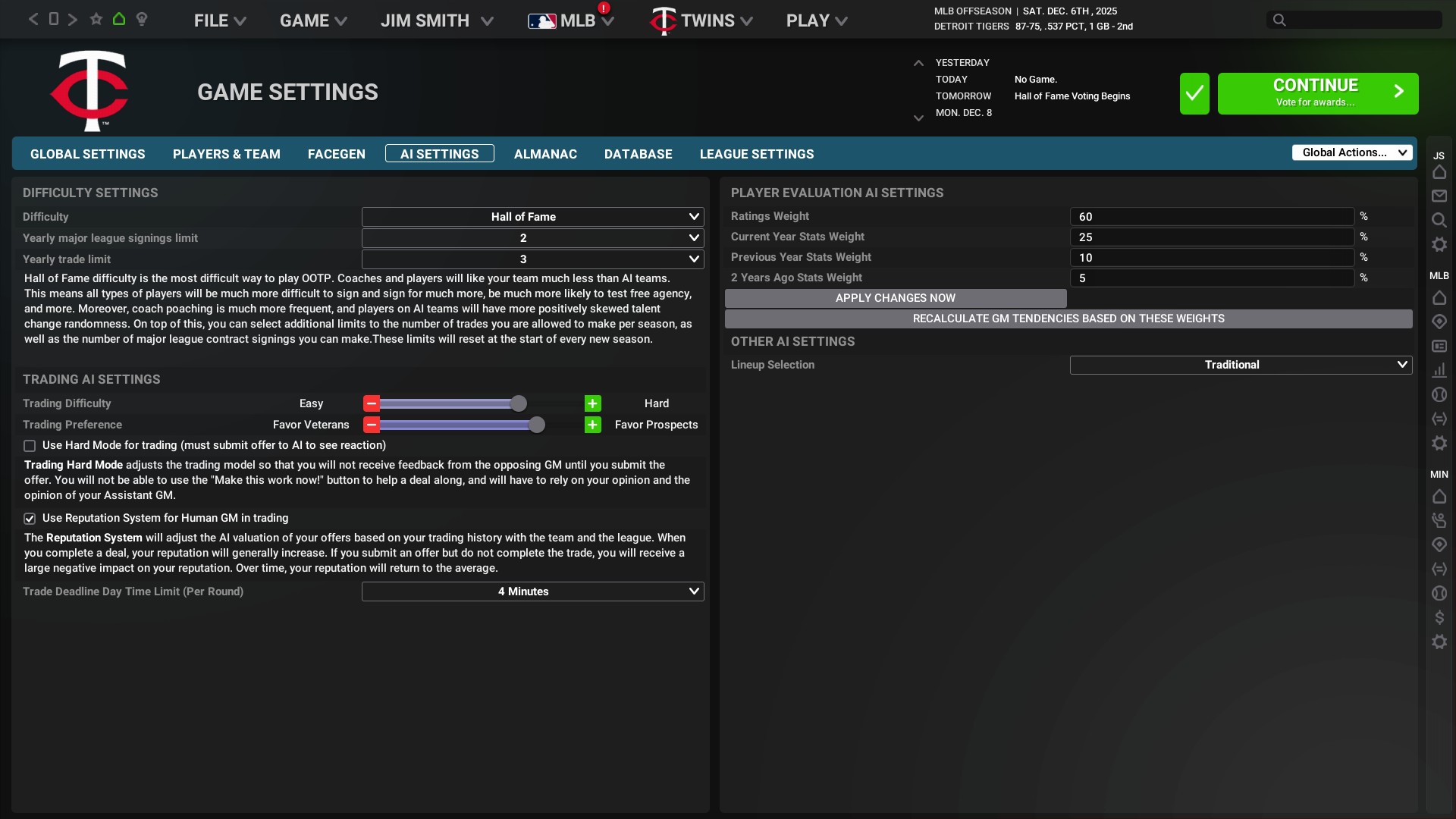
All-new Difficulty settings offer a whole new challenge!
The Out of the Park Baseball team strives to deliver an immersive in-game experience, and this season is loaded with new items. From dynamic weather to updated player models, new animations, and incorporating advanced stats into the action, playing out your games in 3D is the best and most dynamic it’s ever been!
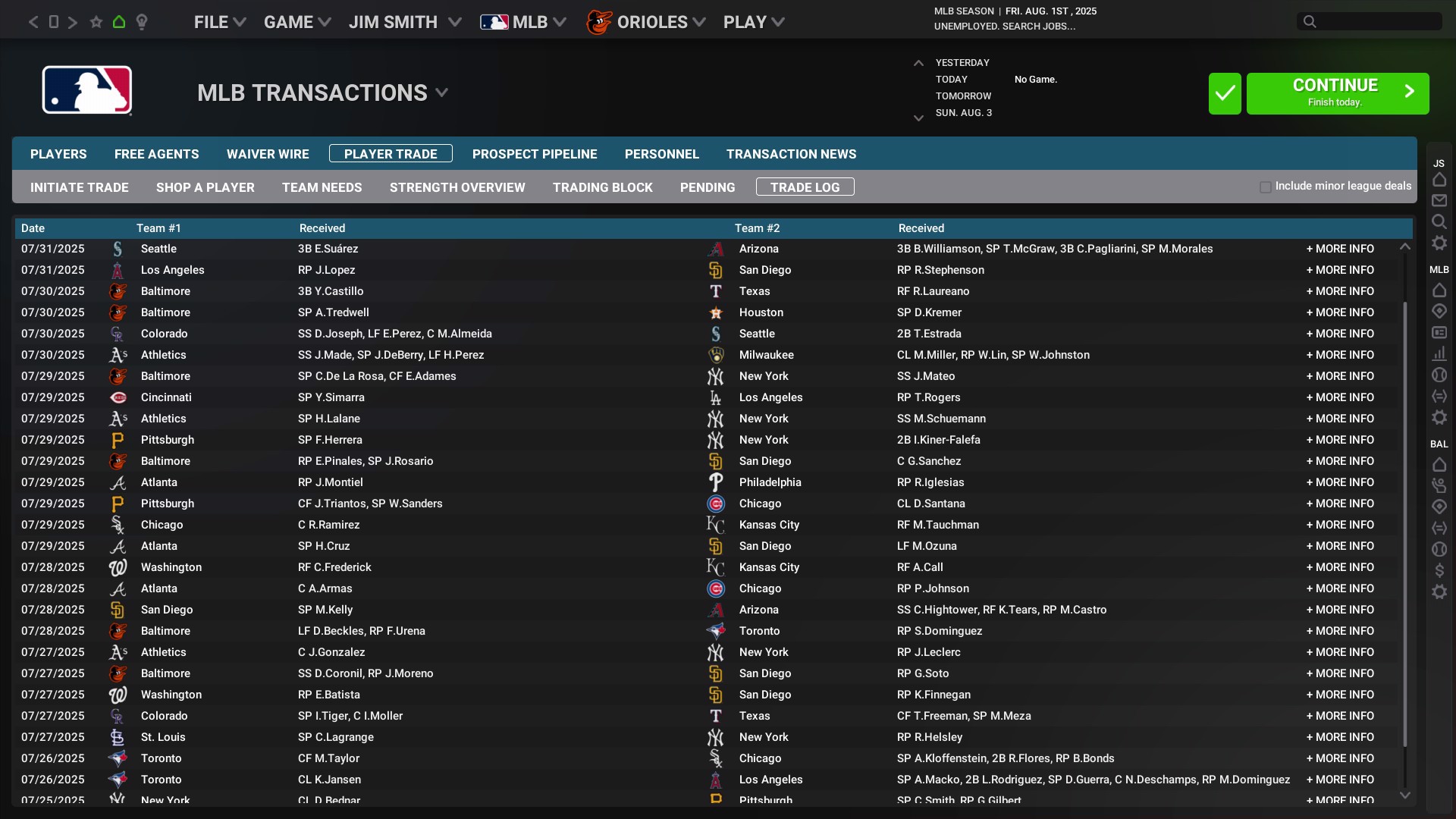
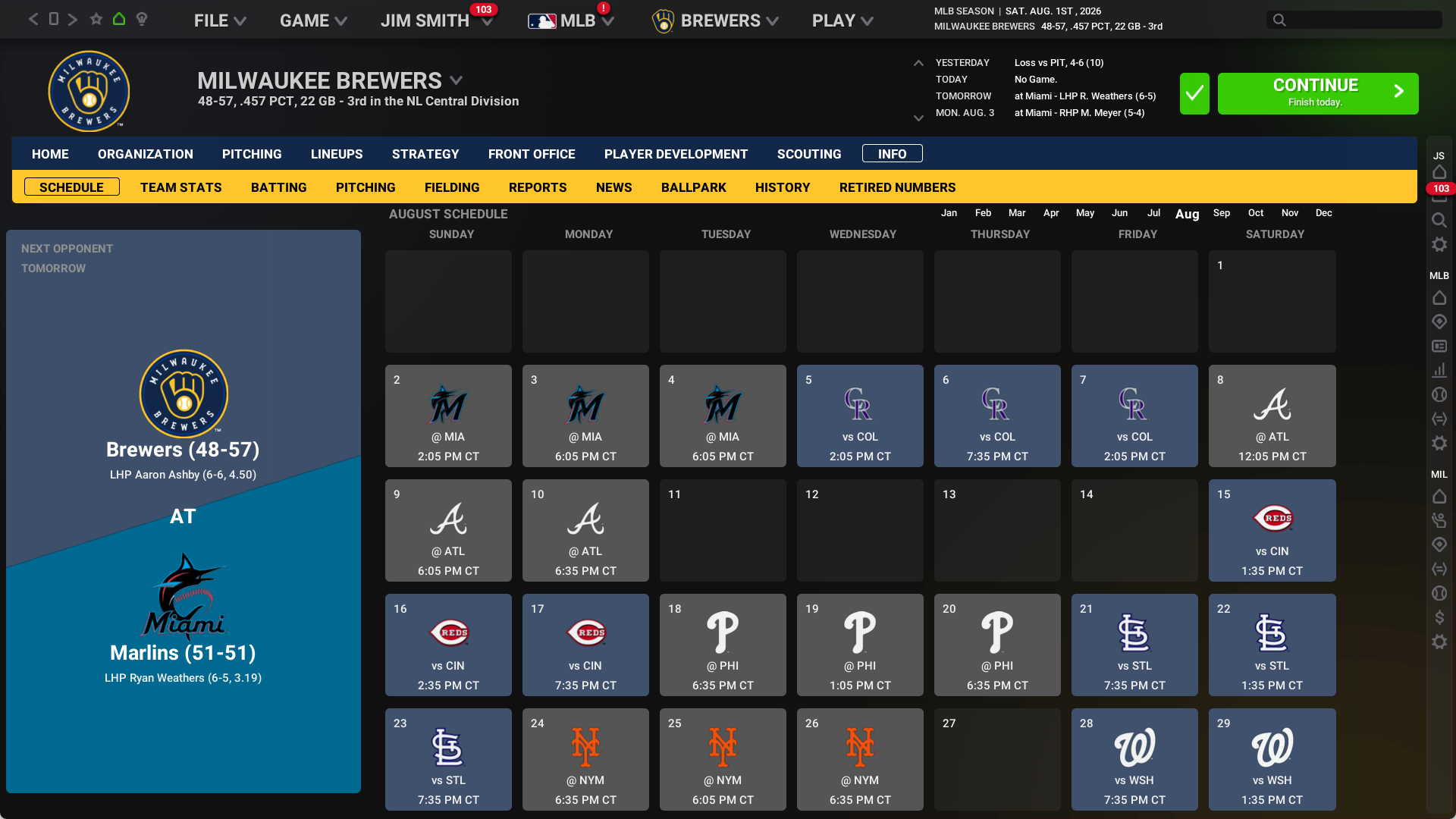
Updated interface makes managing your game easier than ever!
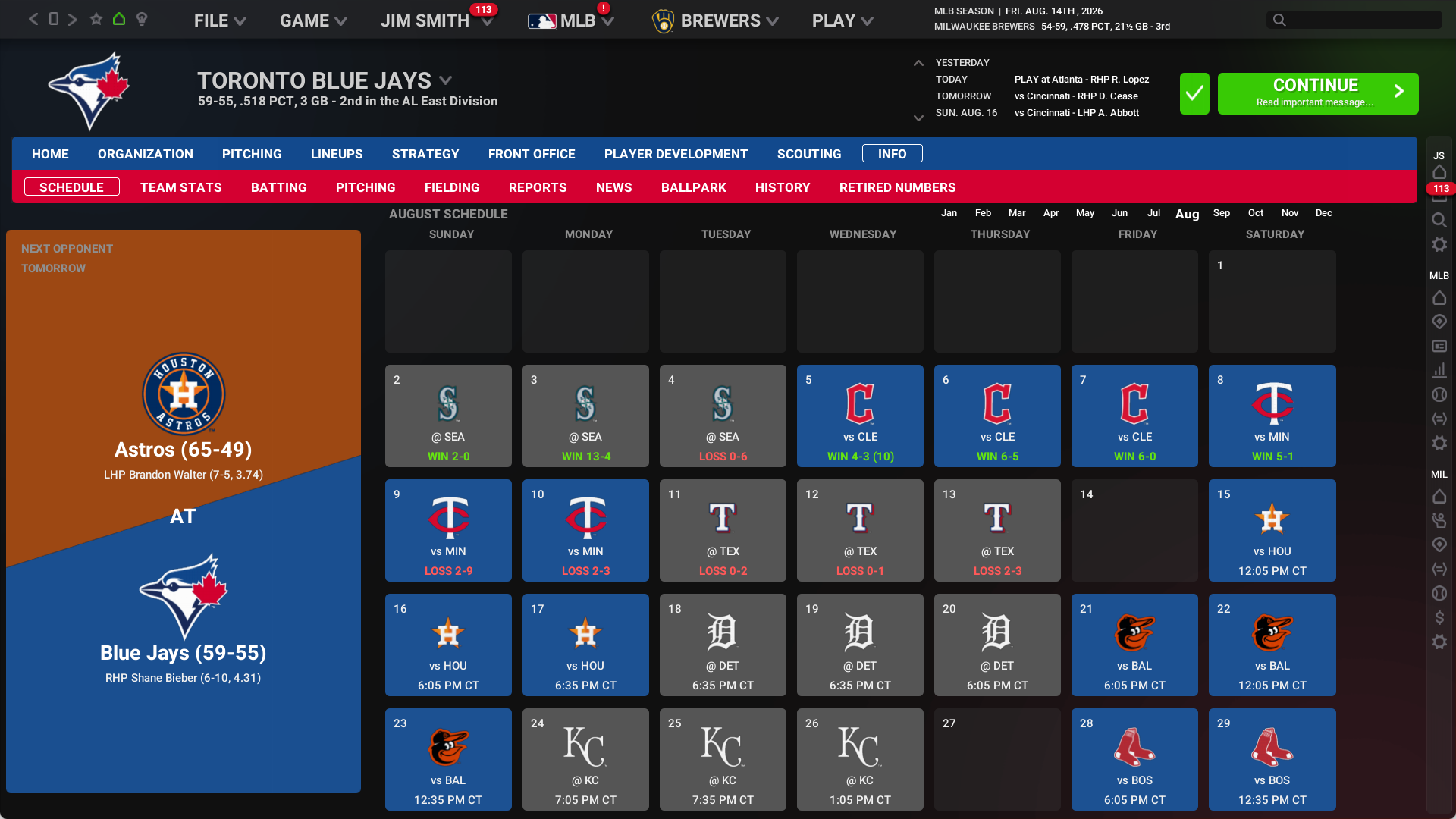
There’s always a lot to do in Out of the Park Baseball, and this season we’ve spent an extraordinary amount of time optimizing the user interface to make it as efficient as possible to do everything you’d like. Improved calendars, in-game screens, player pages, and much more await you in OOTP 27!
The National Baseball Hall of Fame and other international leagues are back!
Our incredible partnership with the National Baseball Hall of Fame and Museum continues this year, with new items and integrations. Plus! All the licensed international leagues you have come to expect from Out of the Park Baseball return this season, including the KBO in Korea, Honkbal Hoofdklasse in the Netherlands, and the British Baseball Federation.
Dozens more upgrades big and small!
We’re crazy about baseball here, and as always we have made dozens of improvements that our fans will love! From Quality of Life improvements to an all-new way to play Perfect Team (details soon!) you’ll be blown away by how much fun you can have.
Out of the Park Baseball 27 runs on PC/Mac and features the American League and National League logos, the World Series trophy, official logos and jerseys for all 30 MLB teams and 10 KBO teams, over 150 Minor League Baseball league and team logos, and historical MLB logos.


Follow us everywhere


Türkiye’de bahis ve online casino deneyimi arayan kullanıcılar için zegnabet platformu güncel giriş adresiyle kesintisiz erişim sunmaktadır. Spor bahisleri, canlı bahis seçenekleri ve zengin online casino oyunlarıyla dikkat çeken platform, kullanıcılarına güvenli ve hızlı bir oyun ortamı sağlamayı hedefler. Slot oyunları, canlı krupiyeli casino masaları ve çeşitli promosyonlar sayesinde eğlenceli bir deneyim sunan site, aynı zamanda mobil uyumlu yapısıyla her yerden erişim imkânı tanır. Güncel giriş bağlantıları ve yeni adres bilgileri sayesinde kullanıcılar platforma kolayca ulaşarak bahis ve online casino dünyasında vakit kaybetmeden yerlerini alabilir.